How to Organize the Workflow?
A naive way to ensure reproducibility is to have a workflow script (do-file, m-file, ...) that runs each file one after the other. One way to implement that for the above setup would be to have code for each step of the analysis and a loop over both categorical variables within each step:
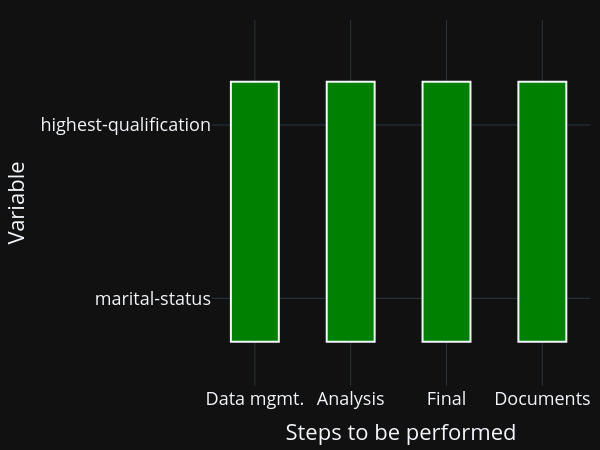
You will still need to manually keep track of whether you need to run a particular step after making changes, though. Or you run everything at once, all the time. Alternatively, you may have code that runs one step after the other for each variable:
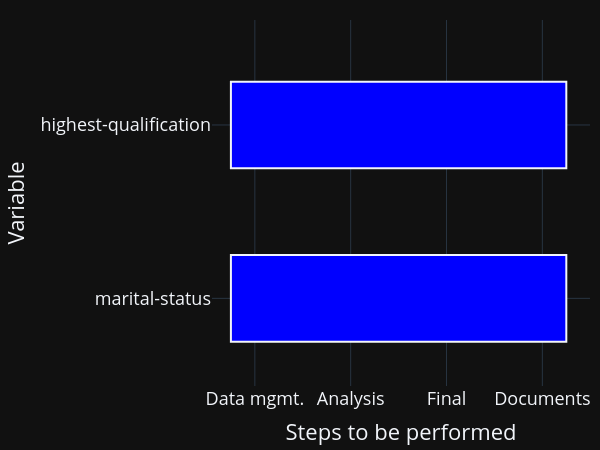
The equivalent comment applies here: Either keep track of which model needs to be run after making changes manually, or run everything at once.
Ideally though, you want to be even more fine-grained than this and only run individual elements. This is particularly true when your computations take some time. In this case, running all steps every time via the workflow script simply is not an option. All my research projects ended up running for a long time (anything between several minutes and days), no matter how simple they were...
The figure shows you that even in this simple example, there are now quite a few parts to remember:
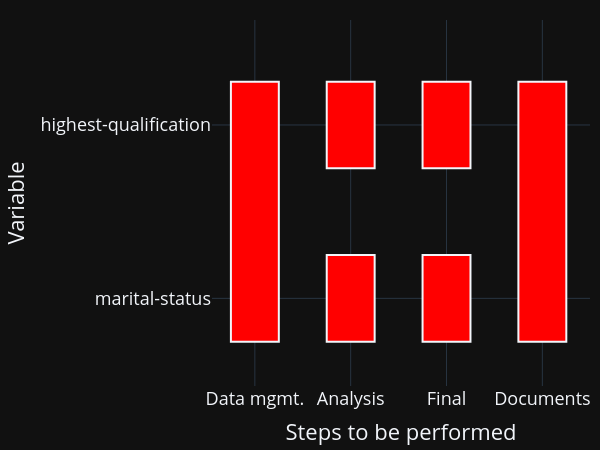
This figure assumes that your data management is being done for all models at once, which is usually a good choice for me. Nevertheless, we need to remember 6 ways to start programs and how the different tasks depend on each other. This does not scale to serious projects!
To make it manageable, these templates
store source files in directories for each of the steps of the analysis,
store all outputs in a dedicated directory (tree),
provide a worked example using pytask to manage the workflow (with a directed acyclic graph in the background).